Admin Portal 2 min read
Each API Hub includes a dedicated Admin Portal — a web-based management interface where LFI teams can manage TPP access, investigate API traffic, and review operational reports.
The following key areas of the Admin Portal are covered in detail on their own pages:
Dedicated pages for the most-used sections
- TPP Management — view, activate, and block TPPs, software statements, and clients
- Logs — audit logs and API request tracing
- Reports — performance metrics, call volumes, and consent statistics
The remaining portal sections — Dashboard, Consent Management, and Planned Outages — are described below.
One portal per Hub instance, per environment
Every LFI receives one Admin Portal per API Hub instance, per environment:
| Environment | URL | SSO Provider |
|---|---|---|
| Production | https://admin.{lficode}.apihub.openfinance.ae | Production Trust Framework |
| Pre-production | https://admin.{lficode}.preprod.apihub.openfinance.ae | Sandbox Trust Framework |
Organisations with multiple API Hubs (e.g. separate hubs for retail and corporate banking) receive a portal per hub.
{lficode} is the unique identifier assigned to your organisation. Your Nebras onboarding contact will confirm your LFI code.
Trust Framework SSO with role-based access
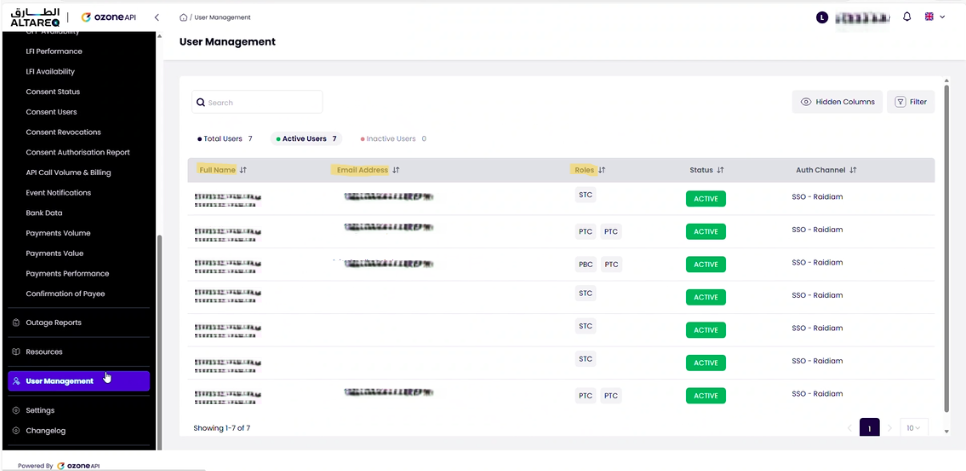
Portal access is managed via Single Sign-On (SSO) from the Trust Framework. Users who hold the relevant roles in the Trust Framework — such as Primary Technical Contact (PTC), Primary Business Contact (PBC), or Secondary Technical Contact (STC) — are automatically granted access.
- Production portal authenticates against the Production Trust Framework
- Pre-production portal authenticates against the Sandbox Trust Framework
There is no separate user management within the portal itself. To grant or revoke portal access, manage the user's roles in the Trust Framework. The portal's User Management section displays all users who currently have access and their roles.
At-a-glance API Hub health
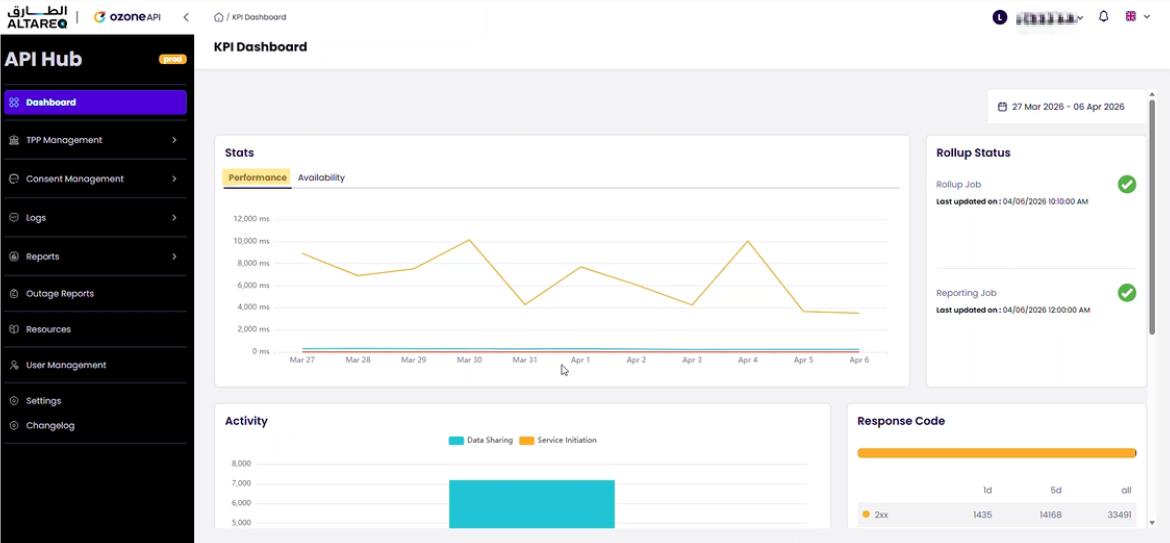
The dashboard is the landing page after login. It provides a summary of API Hub health and request distribution. While useful for a quick overview, the Reports and Logs sections provide the detailed data needed for day-to-day operations and debugging.
Browse, filter, and inspect consents
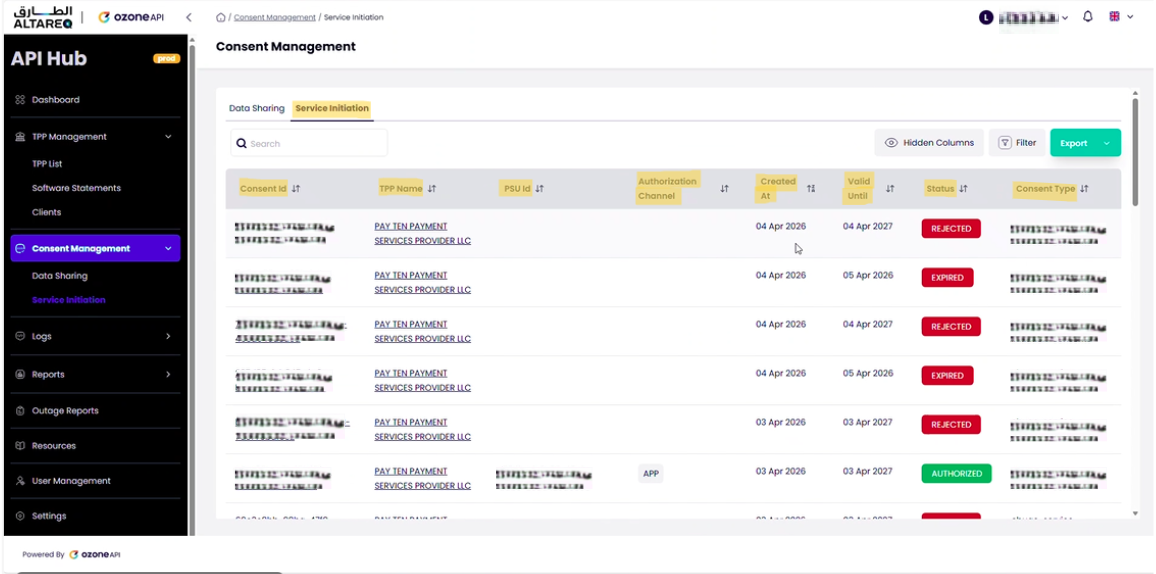
The consent management section lists all consents created against your API Hub. Each entry shows the consent ID, TPP name, consent type, status, and creation date.
You can filter and sort consents by:
- Consent type — data sharing or service initiation
- Status — e.g.
Authorised,Rejected,Expired,Revoked,Consumed - Created date — ascending or descending
You will see regular data-sharing consents created by the Ozone Health Probe client. This is an automated monitoring client that periodically creates consents (via PAR) to verify the health of your API Hub. These consents are never authorised and will expire automatically. When reviewing consent data, filter out the Ozone client to focus on real TPP activity.
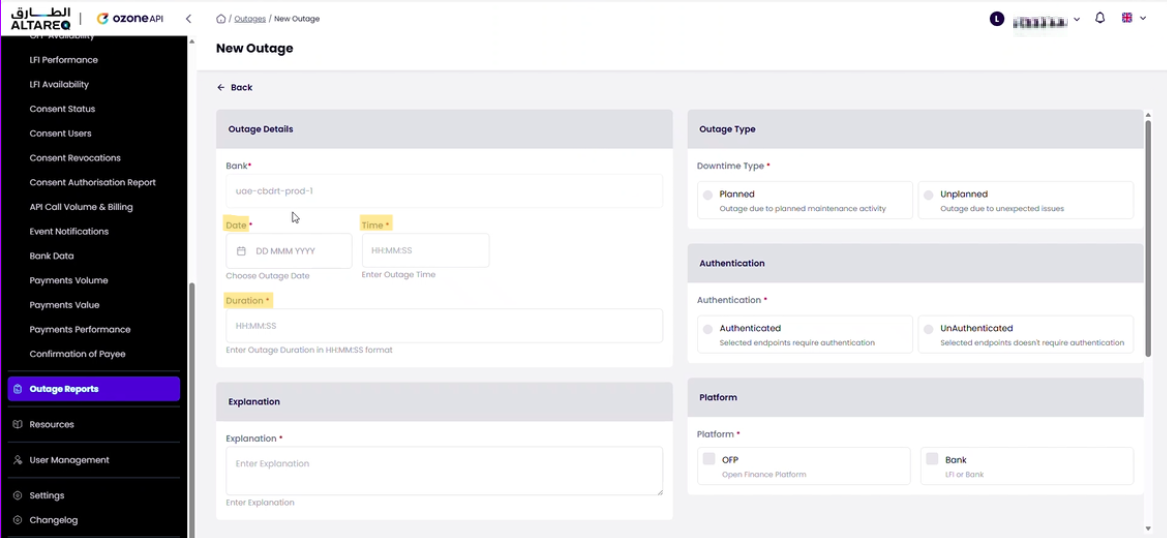
Register downtime windows so Nebras can notify TPPs
The portal includes an Outage Management section where LFIs can register planned downtime windows. When you schedule maintenance that will affect API availability:
- Navigate to the outage management section
- Select your organisation
- Enter the date, time, duration, and description of the planned outage
Nebras will be notified and will communicate the outage to affected TPPs. Errors during registered outage windows are treated sympathetically in performance reporting.